Redesigning ShopRite’s Digital Coupon System
- Improve ease of loading digital coupons on kiosks.
- Reduce customer frustration and task abandonment.
- Support accessibility and confidence for all users.
Context & Why It Matters
As a Customer Service Representative at ShopRite, I witness daily struggles with our digital coupon system that prevent customers from accessing savings they're entitled to. Digital coupons function as manufacturer discounts that stack with existing sales, providing significant value to cost-conscious shoppers. However, the current system creates barriers that often result in customer frustration and lost savings opportunities.
Customer Impact
Missed savings due to confusion. Accessibility and language barriers limit participation.
Employee Impact
High volume of repeated assistance requests.
Business Impact
Lower customer satisfaction and increased churn.
The Problem
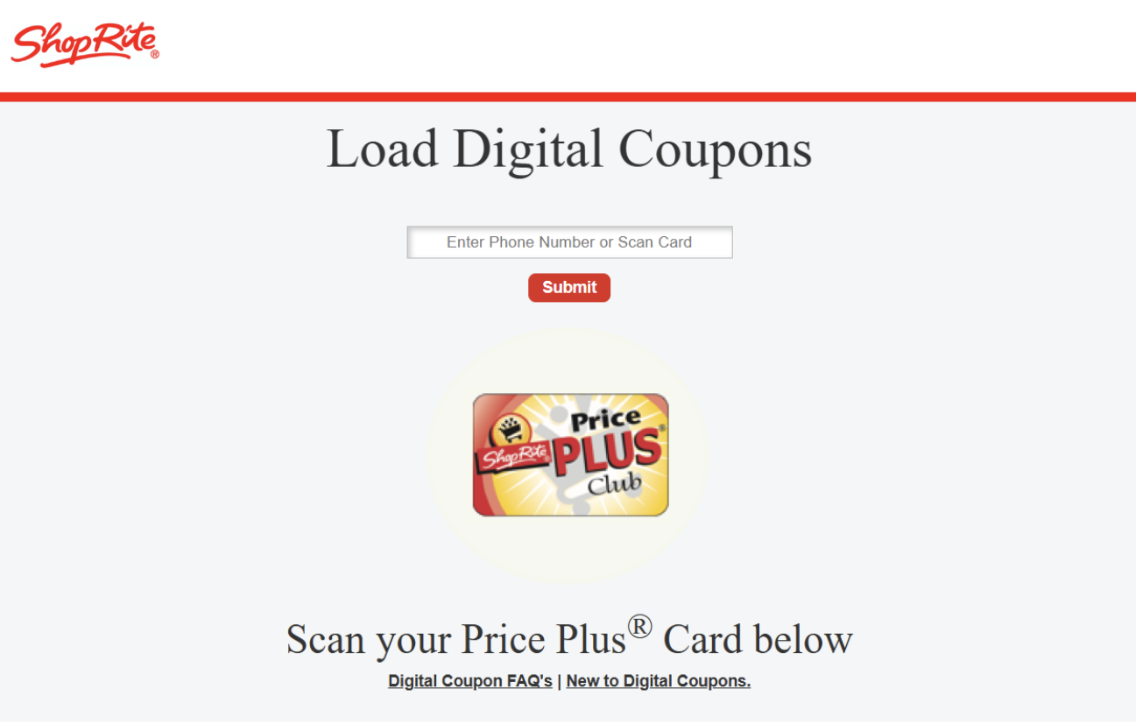
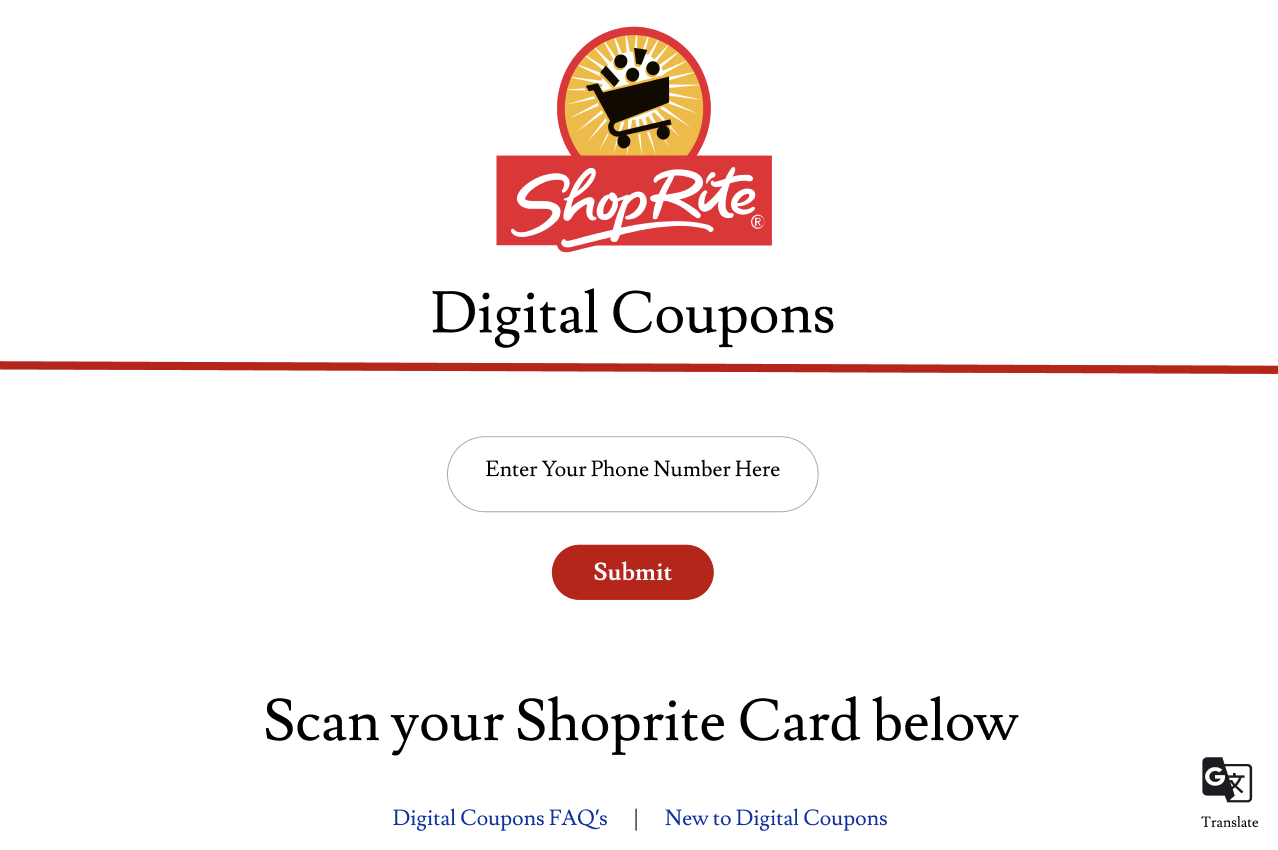
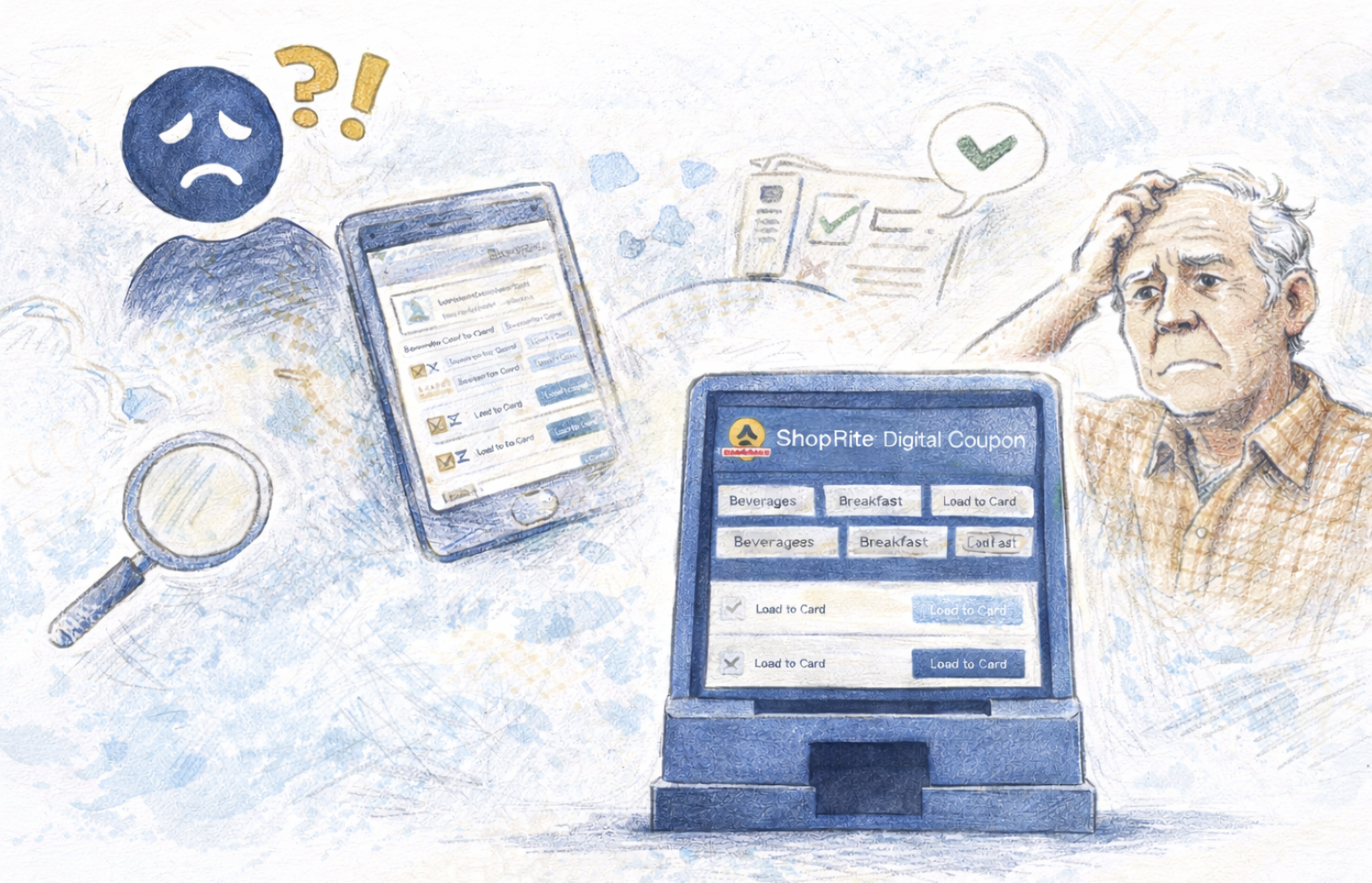
Customers frequently struggle to use ShopRite’s digital coupon system across both the in-store kiosks and mobile app, creating barriers to accessing savings they are entitled to.
- Small text and dense layouts make coupons difficult to read, especially for older customers.
- Unclear visual hierarchy in the app and kiosk screens reduces discoverability.
- Customers lack confirmation that coupons were successfully loaded.
- Language barriers, particularly for Spanish-speaking customers, prevent independent use.
- The process requires loading coupons one by one, leading to frustration and abandonment.
Goals
This project focused on improving usability, accessibility, and confidence in the digital coupon experience while reducing employee workload at the service desk.
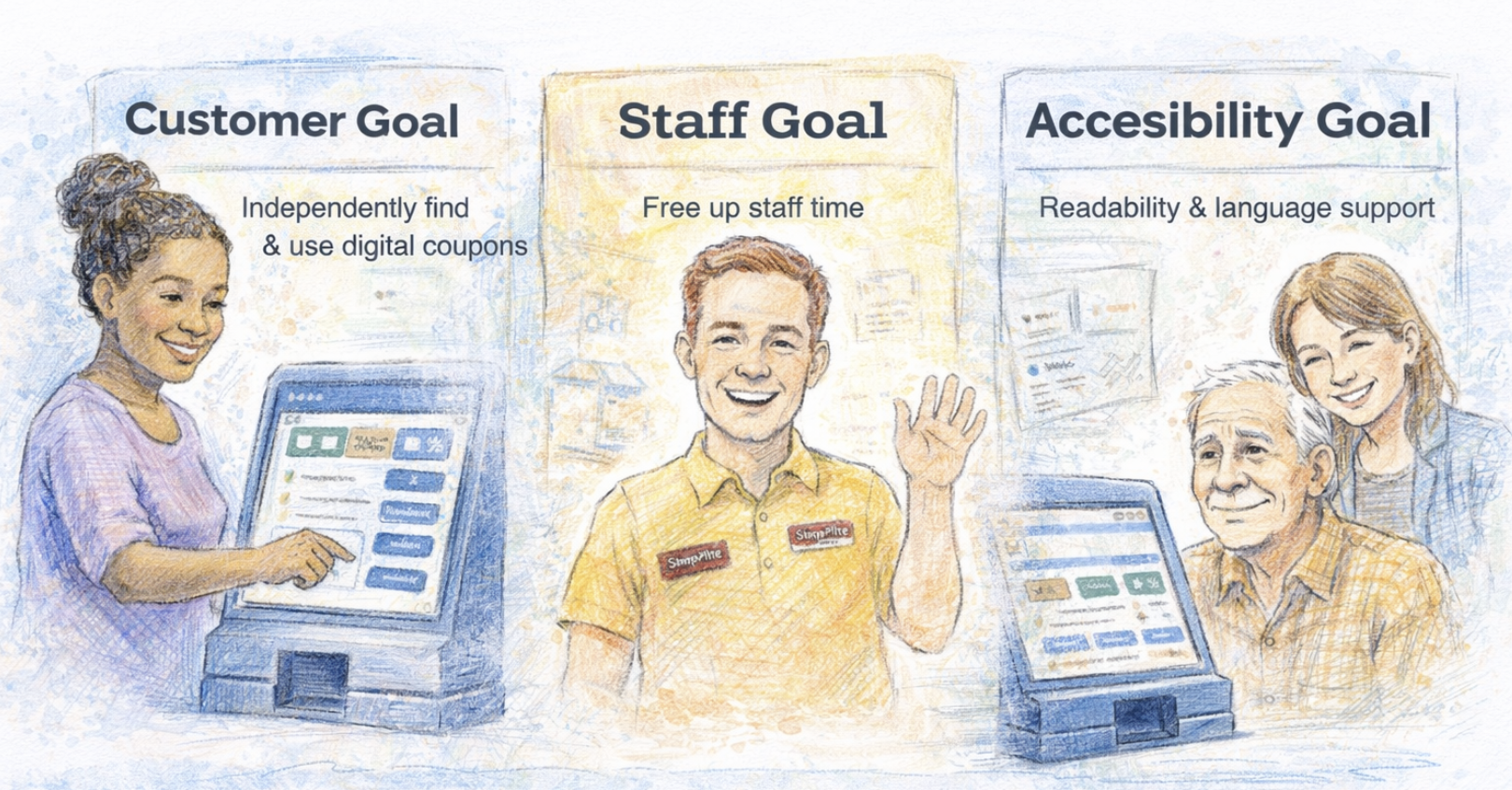
Customer Goal
Enable customers to independently find, load, and trust digital coupons without stress or embarrassment.
Staff Goal
Reduce repetitive coupon assistance requests and free up staff time during peak hours.
Accessibility Goal
Improve readability, clarity, and language support to assist older adults and non-English speakers.
Success Metrics
- Reduced customer reliance on staff for coupon loading.
- Faster task completion at kiosks.
- Increased confidence and successful coupon usage.
Research Overview
A mixed-methods research approach was used to understand both customer behavior and employee operational challenges related to digital coupons.
Employee interviews
Structured interviews with ShopRite employees to identify recurring customer issues, operational strain, and system pain points.
Customer interviews
Semi-structured interviews with customers across age groups and language backgrounds to understand firsthand experiences and frustrations.
Observation log
A 4-day in-store observational study documenting real customer interactions at kiosks, including points of confusion, frustration, and staff intervention.
Participants & Data Collected
A concise breakdown of who we spoke with and the data collected during the study.
- Total employee interviews: 7
- Total customer interviews: 7
- Observation study duration: 4 days
- Total Observed Customer Interactions: 137 digital coupon assistance cases
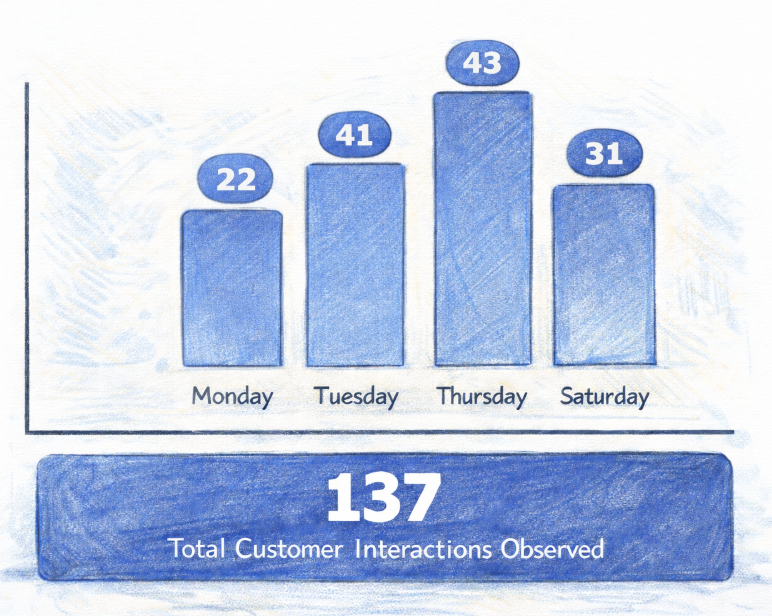
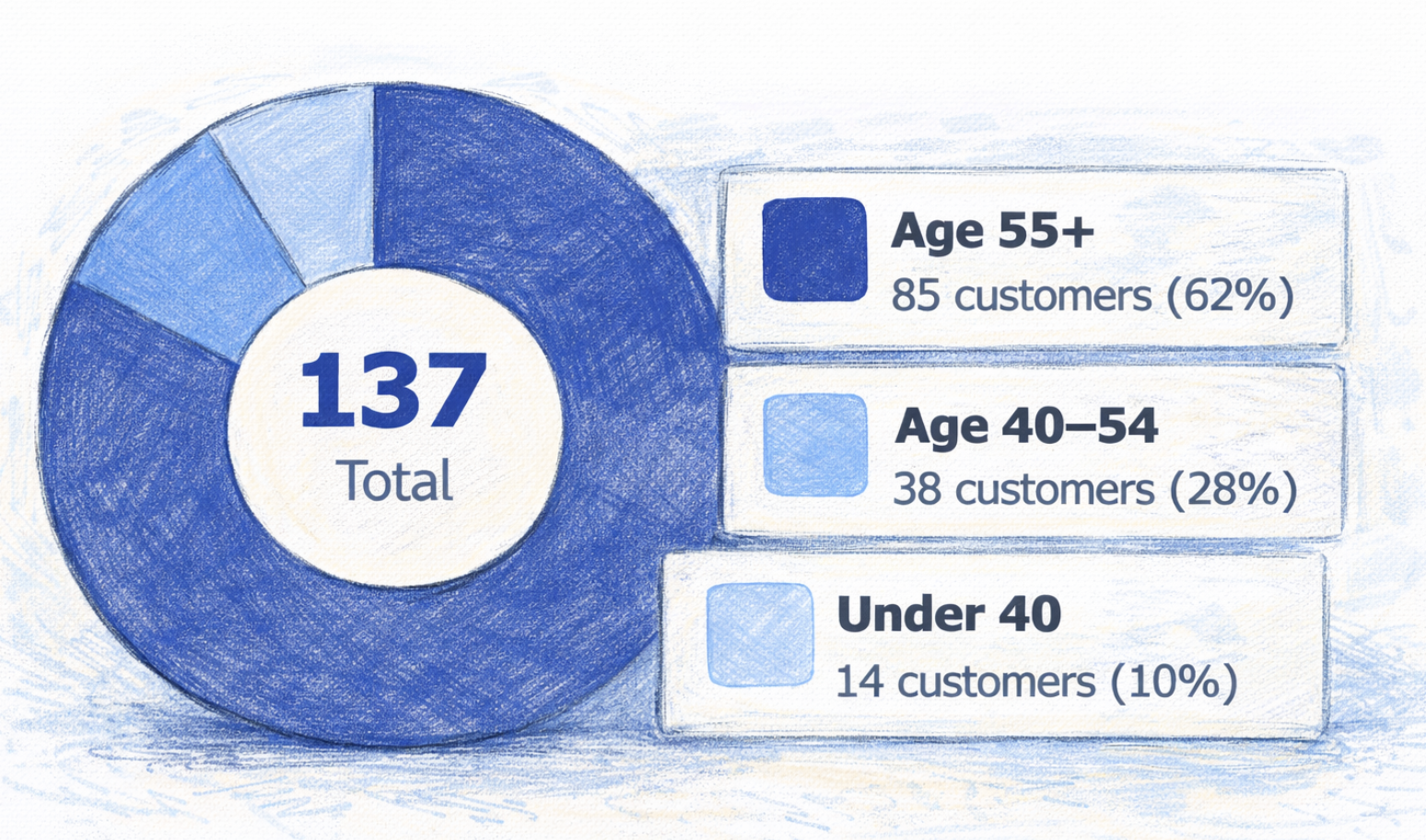
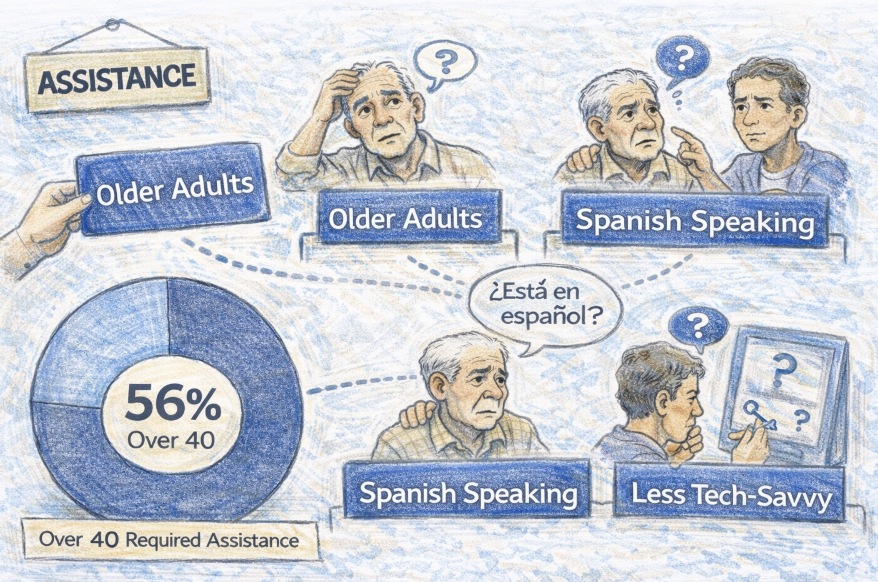
During the 4 days of observation must of my interactions involve customers from 40 and up.
Key Insights — Interviews
Insights synthesized from customer and employee interviews highlighting the most critical usability, accessibility, and operational issues in the ShopRite digital coupon system.
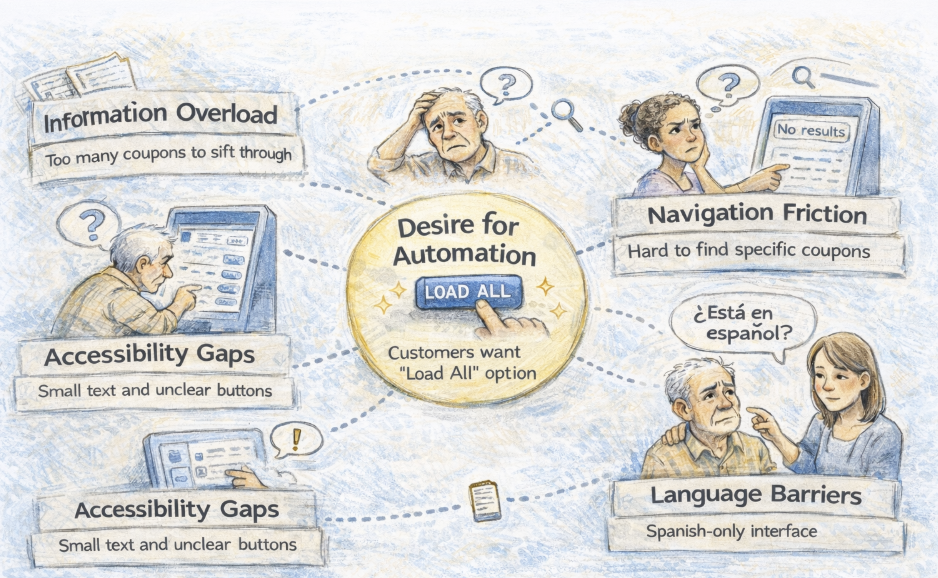
Information Overload
Customers feel overwhelmed by the number of coupons and steps required to load them individually.
Evidence: Multiple customers and employees reported customers scrolling through long lists and abandoning the process before completion.
Navigation Friction
Customers struggle to locate specific coupons using search and filters.
Evidence: Employees consistently observed customers typing full product names that returned no results, leading to confusion and repeated help requests.
Desire for Automation
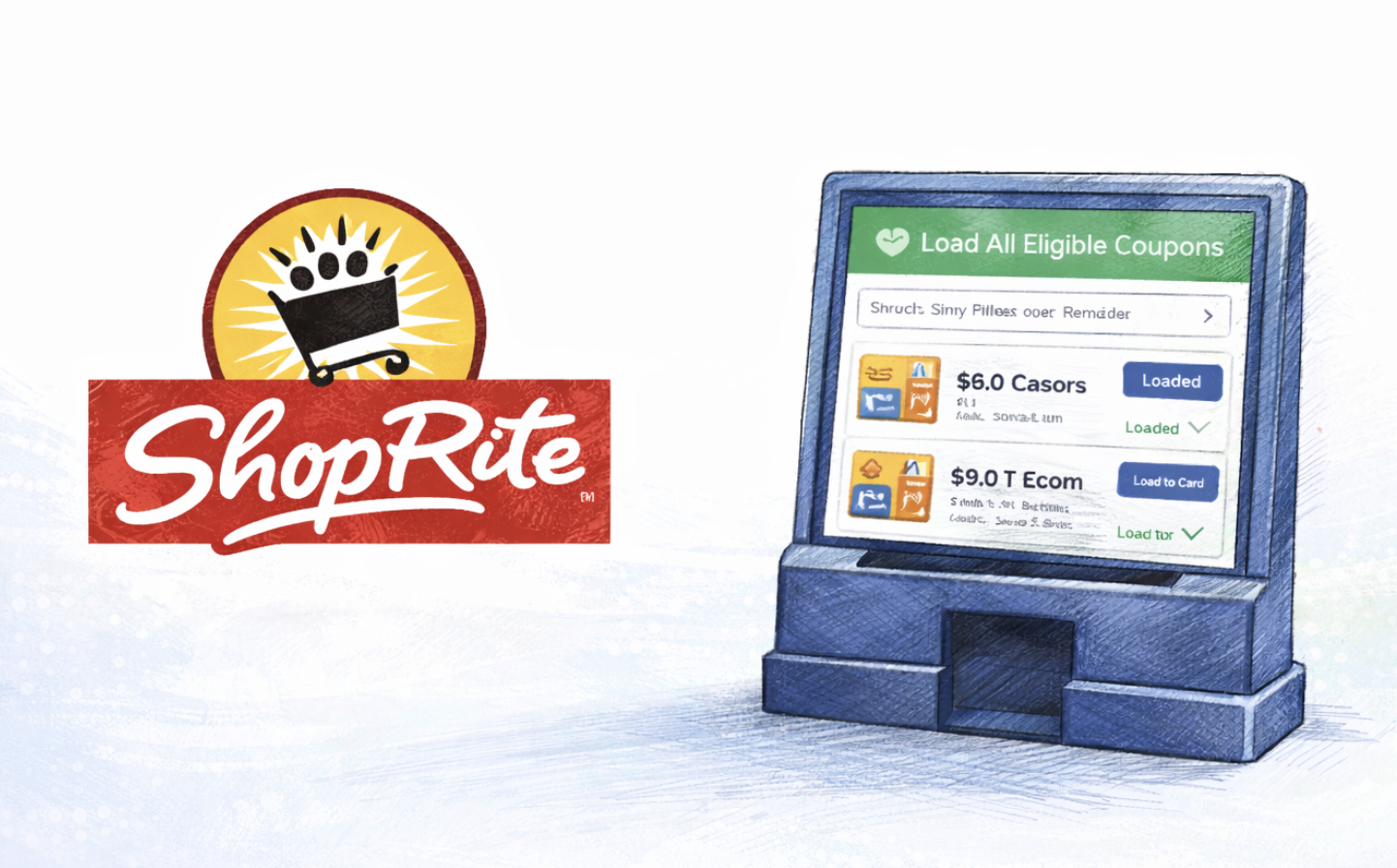
Both customers and employees expressed a strong desire for a “Load All” or auto-load feature.
Evidence: This was the most frequently mentioned improvement across interviews, with customers comparing ShopRite unfavorably to competitors.
Accessibility Gaps
Small text, low contrast, and unclear button states create barriers for older customers and those with low vision.
Evidence: Employees noted frequent complaints such as “I can’t see the button” and repeated tapping due to unclear confirmations.
Language Barriers
Spanish-speaking customers face significant difficulty due to the English-only interface.
Evidence: Employees reported that Spanish-speaking customers are more likely to ask for help or abandon the process entirely.
“I wish there was a button to load everything at once.”
“We help someone with coupons every few minutes during busy times.”
“People with language barriers have difficulty downloading digitals.”
“I don’t know how to use these machines.”
Key Insights — Observations
Analysis of in-store observation sessions reveals recurring behaviors and breakdowns during real customer interactions with the digital coupon kiosks.
Who Struggled Most
Older customers, less tech-comfortable users, and Spanish-speaking customers required the most assistance.
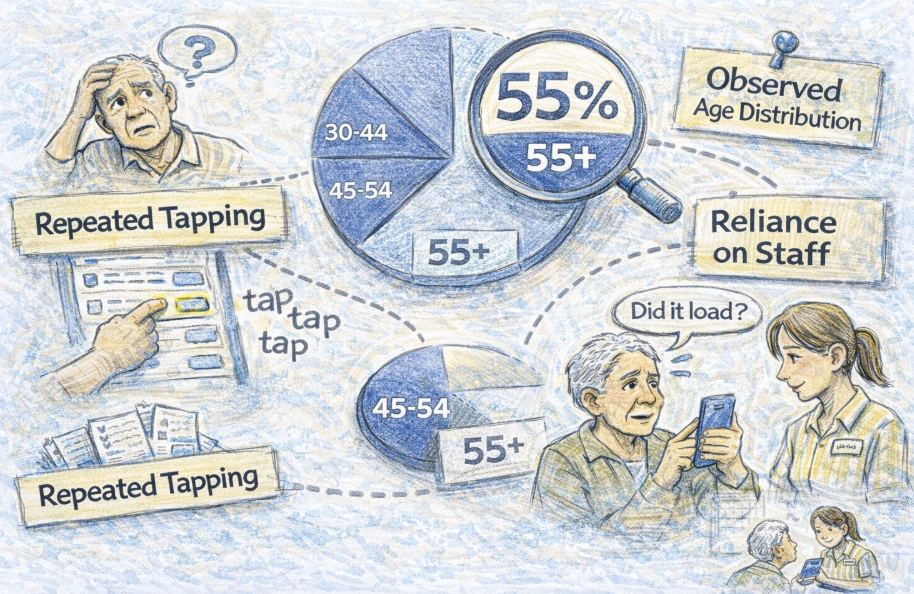
Evidence:The majority of observed interactions involved customers over 40 and customers who hesitated or asked for confirmation at each step.
Observed User Behaviors
Customers frequently hesitated, mis-tapped buttons, and asked staff to confirm whether coupons were successfully loaded.
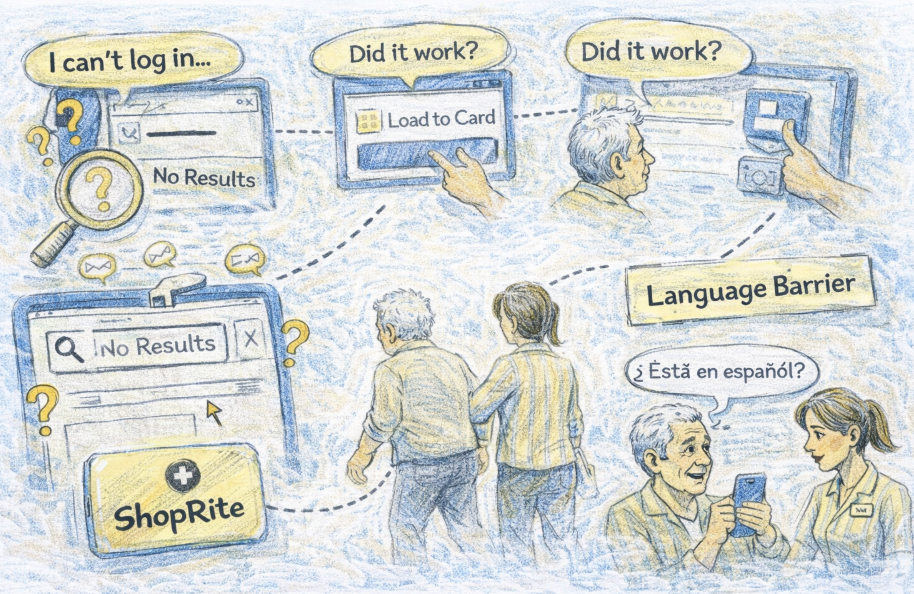
Evidence:Repeated tapping, verbal uncertainty (“Did it work?”), and reliance on staff were observed across multiple days.
Common Failure Points
Search failures, unclear “Load to Card” confirmation, small touch targets, and login confusion.
Evidence:Many customers abandoned the task or stopped interacting once help arrived, indicating low confidence in the system.
Personas
Representative personas from interviews and observations. Two derived from interviews and two from observations.

Ana — The Overwhelmed Saver
Retired shopper on a fixed income, shops weekly.
Primary Platform:In-Store Kiosk
Save money without feeling rushed or embarrassed
Small text, unclear confirmation, fear of making mistakes
Behaviors: Hesitates during login, repeatedly asks staff for confirmation.
Needs: Larger text, clear feedback, reassurance after each step.
“I just want to know it worked.”

Carlos — The Language Dependent Shopper
Spanish-speaking customer, shops for family.
Primary Platform:In-Store Kiosk
Understand and apply coupons independently
English-only interface, unclear instructions
Behaviors: Relies on staff or avoids coupons altogether.
Needs: Spanish language toggle, visual guidance.
“No entiendo qué hacer después.”

James — The Time Pressed Shopper
Busy professional, shops after work.
Quickly load relevant coupons
Slow process, uncertainty if coupons applied
Behaviors: Uses search, abandons when errors occur.
Needs: Fast confirmation, fewer steps.
“I don’t have time to guess if it worked.”

Maria — The Budget Conscious Planner
Works full-time, shops weekly for household.
Maximize savings efficiently
Loading coupons one by one, search failures
Behaviors: Scrolls extensively, compares ShopRite to competitors.
Needs: Auto-load coupons, smarter search.
“It takes too long to load everything.”
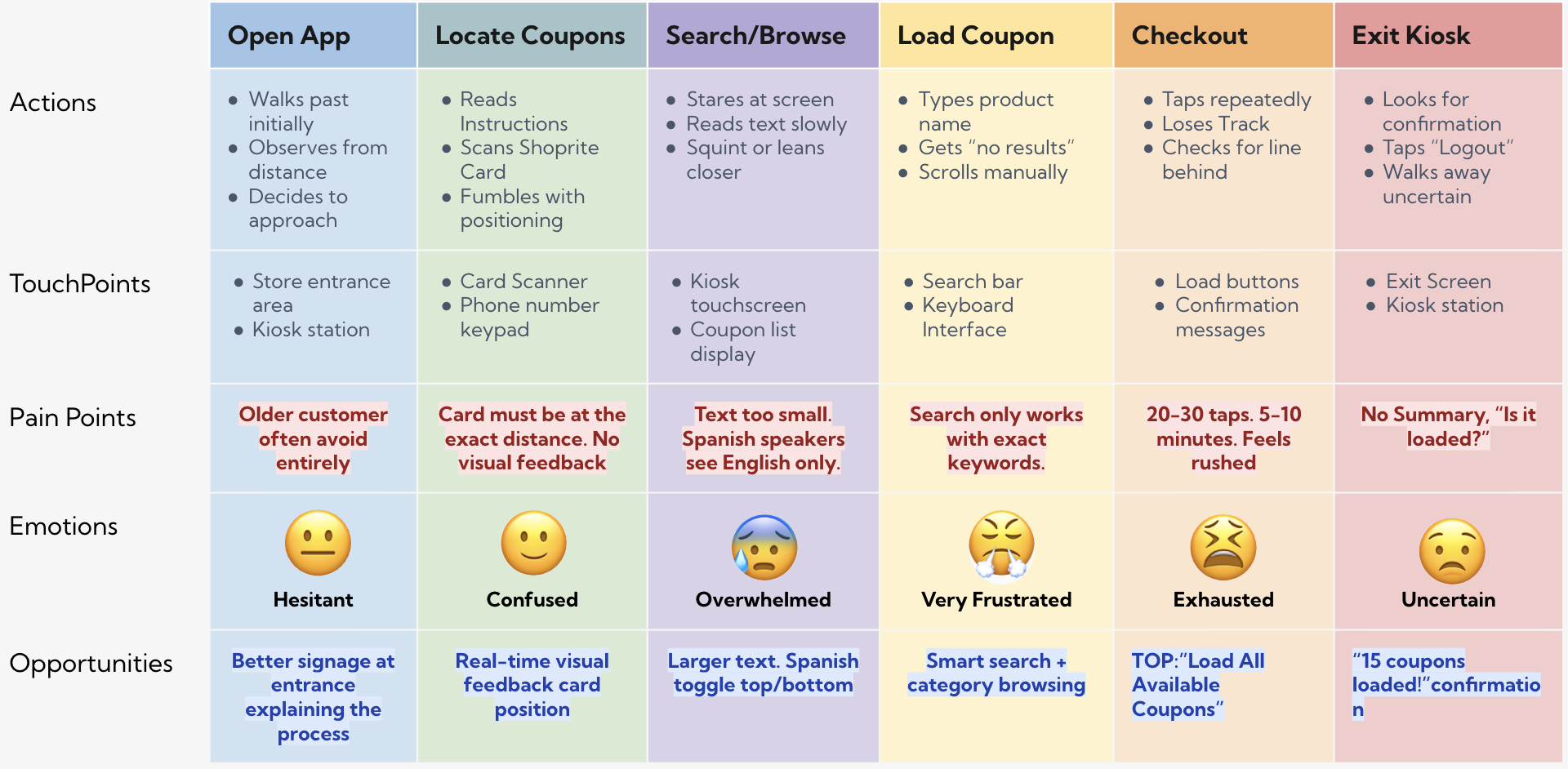
Kiosk Journey Map
Journey map that highlight steps, emotions, pain points, and opportunities for Kiosk.
Login → Browse → Load → Logout
Core Problems Identified
Design Solutions
Solutions balance usability improvements with realistic implementation tradeoffs and business considerations.
| Solution | What it improves | Notes / tradeoffs | ||
|---|---|---|---|---|
| Load All / Smart Load | Faster access to coupons | Load All improves discoverability but may reduce marketing exposure; Smart Load balances both | ||
| Confirmation feedback | User confidence & error reduction | Add clear 'Coupon Loaded' message and brief summary | ||
| Improved search | Findability & discovery | Add tolerance, suggestions, and fuzzy matching | ||
| Accessibility mode | Inclusive access for low-vision/keyboard users | Large text and high contrast; toggle adds maintenance | ||
| Spanish toggle | Reduces language-related errors | Adds translation work and content maintenance | ||
| Eligibility clarity | Fewer failed loads & support requests | Display eligibility upfront to reduce confusion |
Prototype Highlights — Kiosk Redesign
Key changes made to the kiosk experience to improve discoverability, clarity, and accessibility.
- Improved navigation with clear categories and persistent search bar.
- Language toggle for non-English speakers.
- Larger tap targets and an accessibility toggle for high-contrast/large text.
- Smart Load logic to prioritize marketing vs immediate discovery.
- Clear load state and confirmation summary after coupon load.